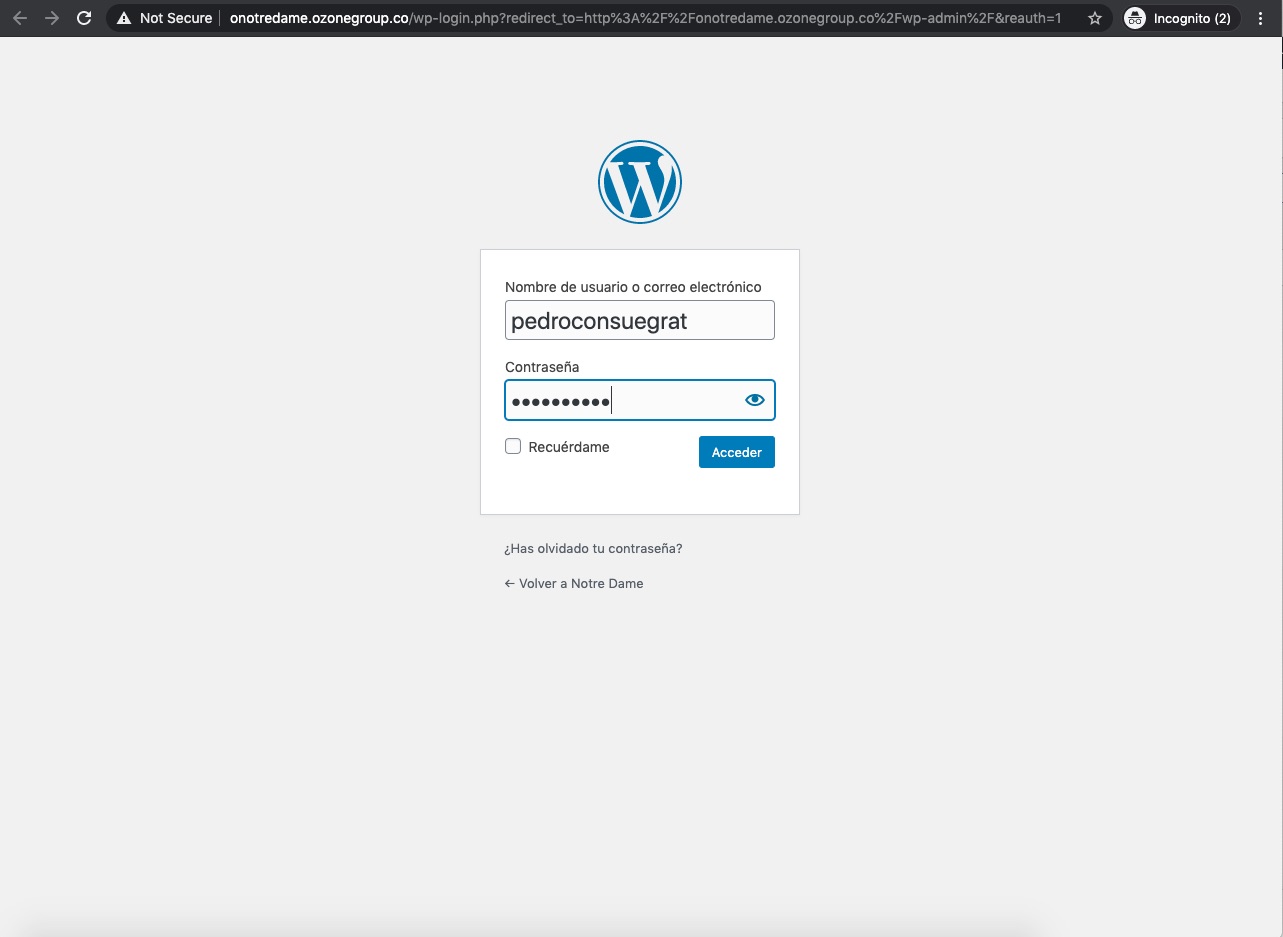











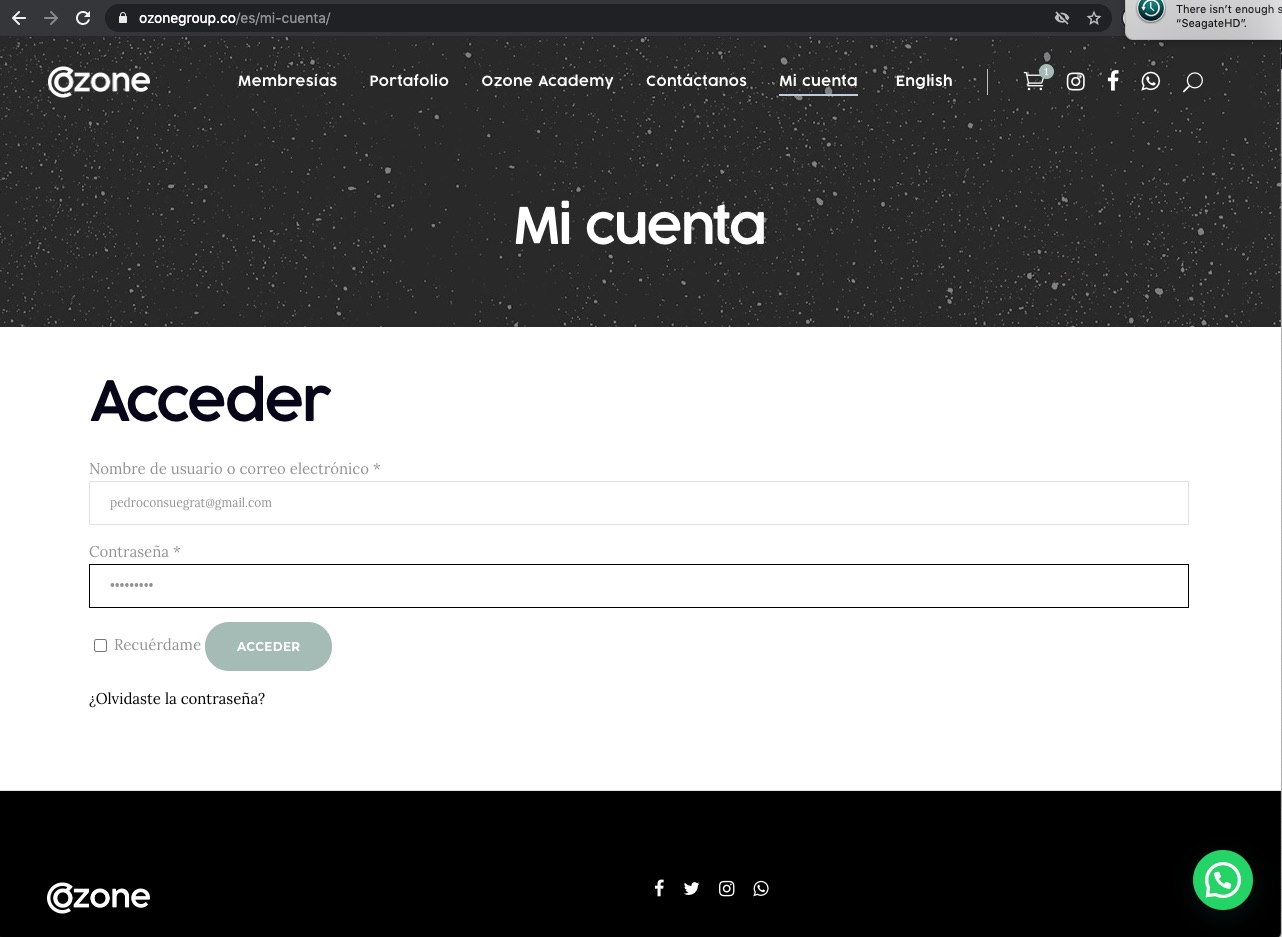
1. To start, go to staging.ozonegroup.co/my-account and log in with the credentials of your Ozone account.
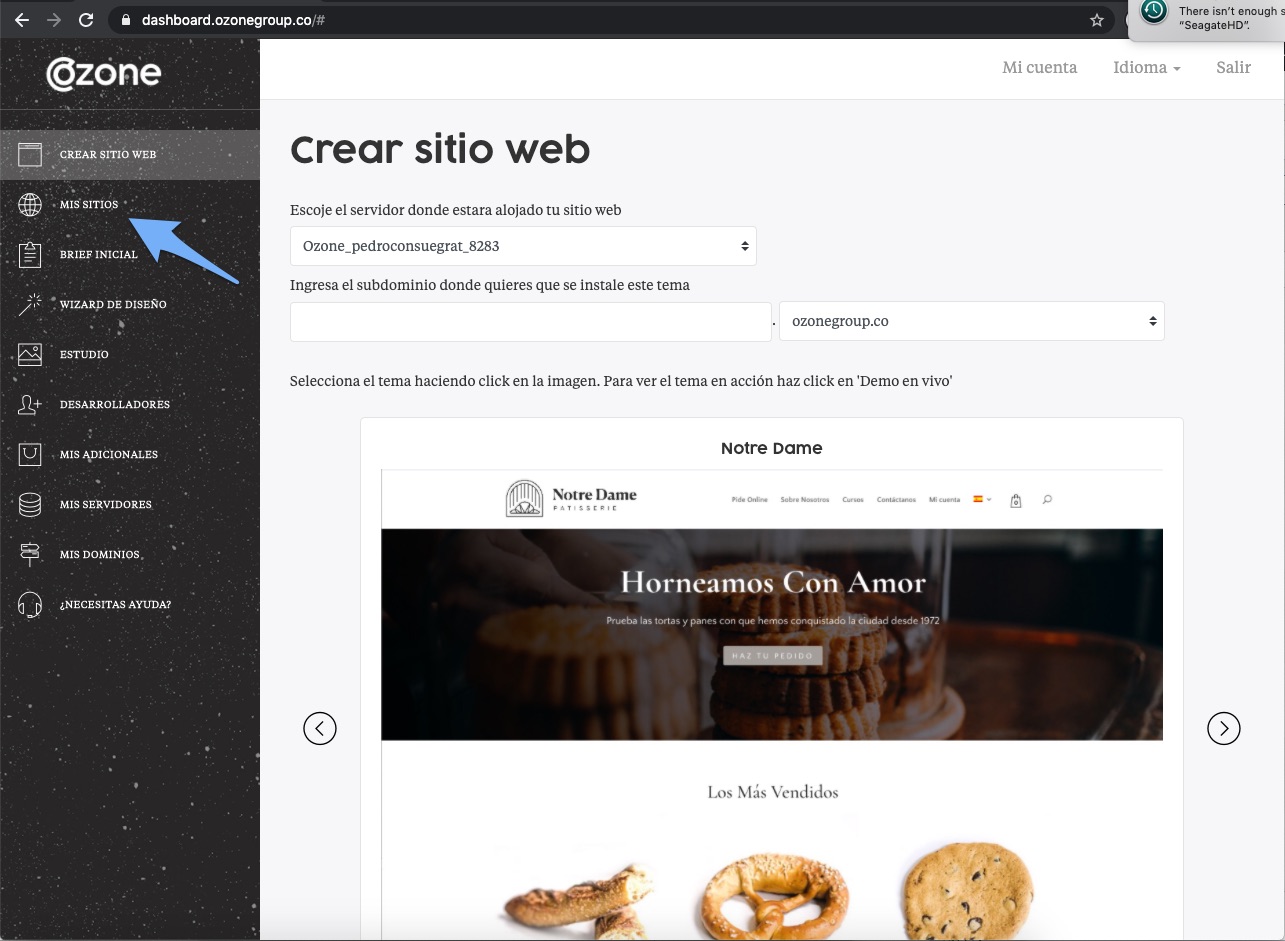
2. When you enter you will see our administration panel. Click on “My Sites”.
3. Below you can see the list of sites that you have with us. Select the one you want to enter and click “See the first password”.
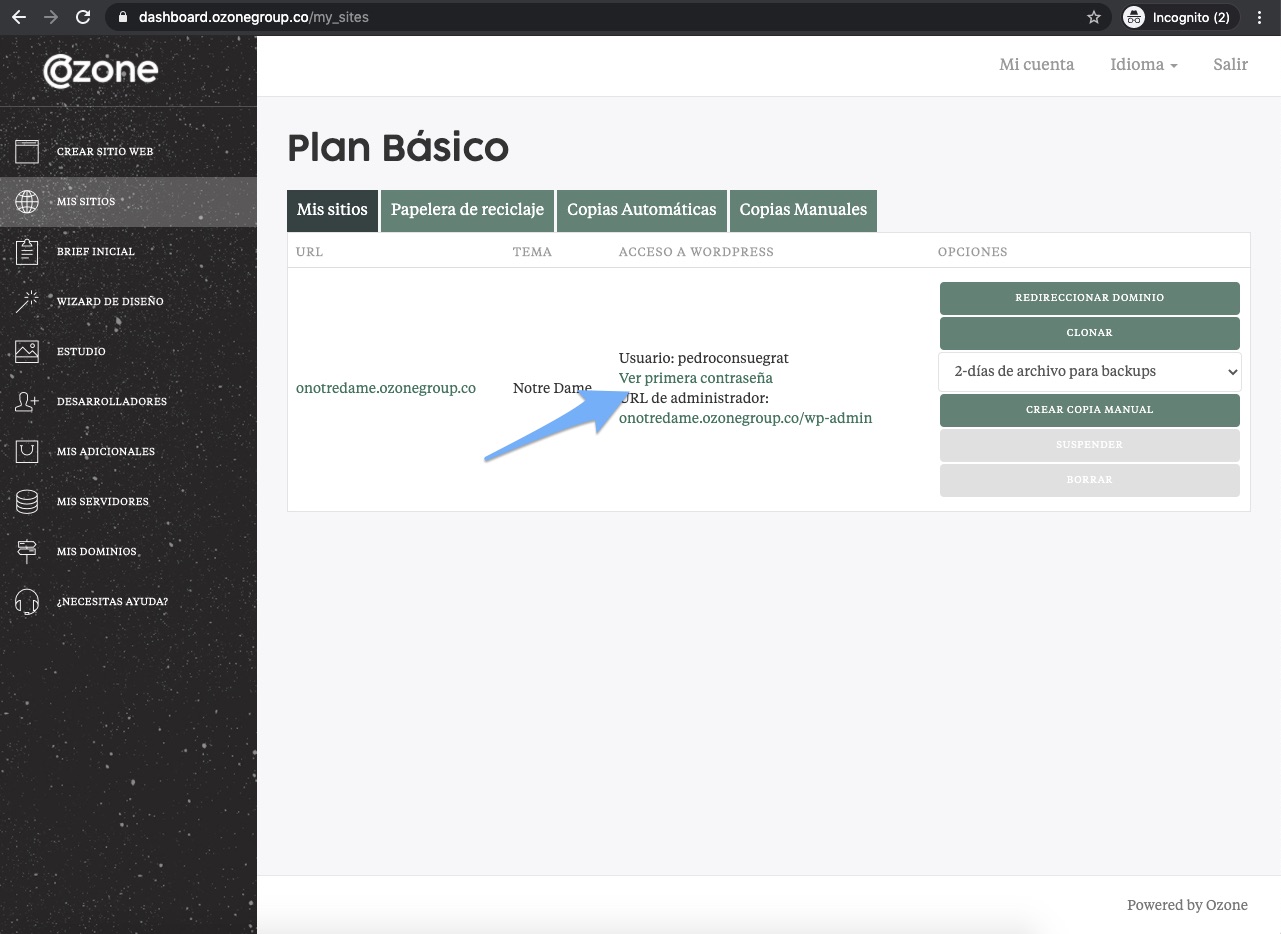
4. Then click on the site administration URL.
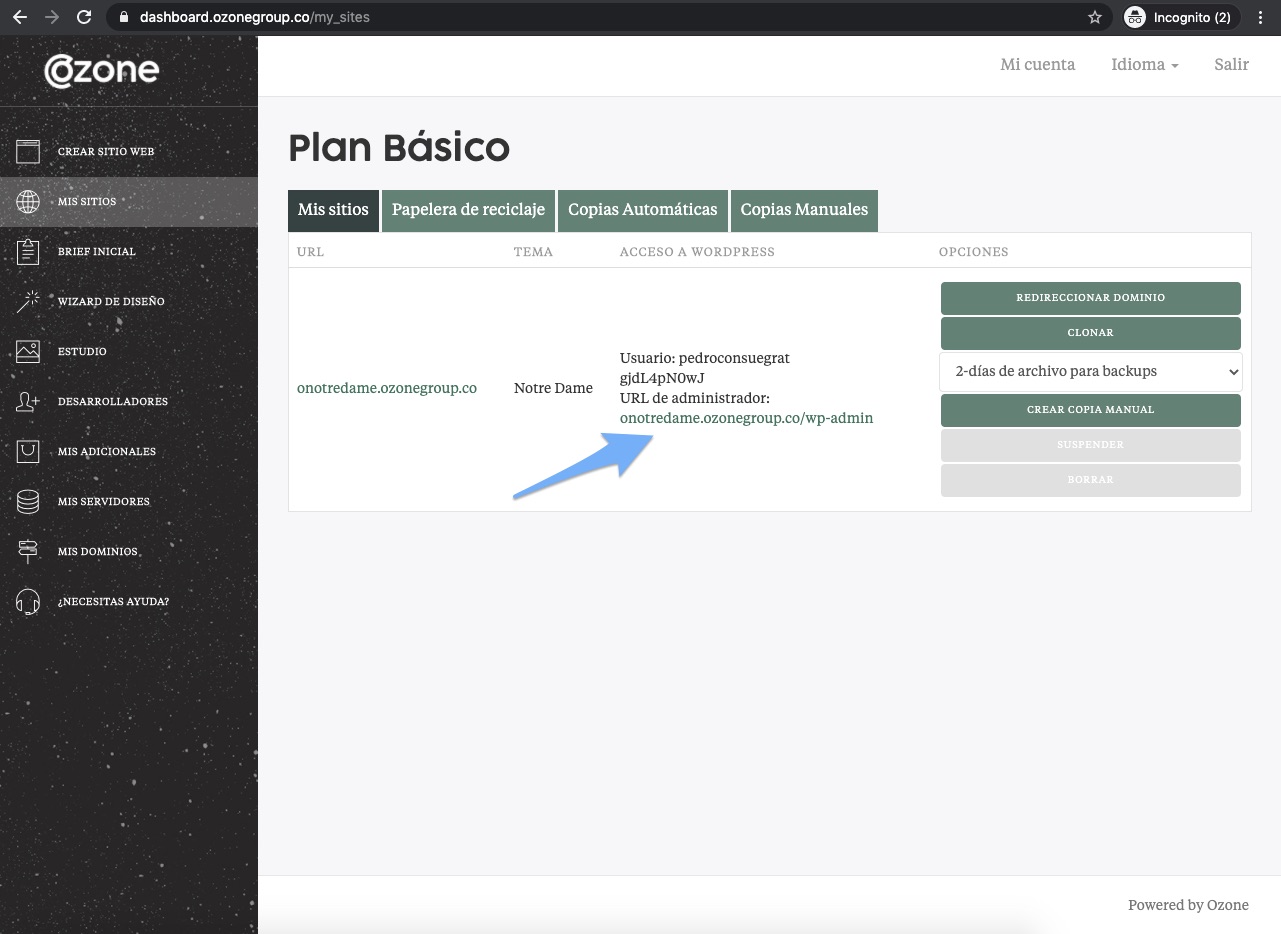
5. Now you can use the credentials (username and password) that you obtained to access your WordPress account.